Kiosk enclosures made in Ajman

Touch Screen Kiosks in Dubai, Sharjah & Abu Dhabi

Bayan Signage builds interactive touch screen kiosks for wayfinding, check-in, self-ordering and visitor registration. We laser-cut, weld and powder-coat the enclosure in our Ajman factory, fit commercial touch displays, computers and peripherals from established manufacturers, and install each unit at a height and position that works for standing and wheelchair users alike.

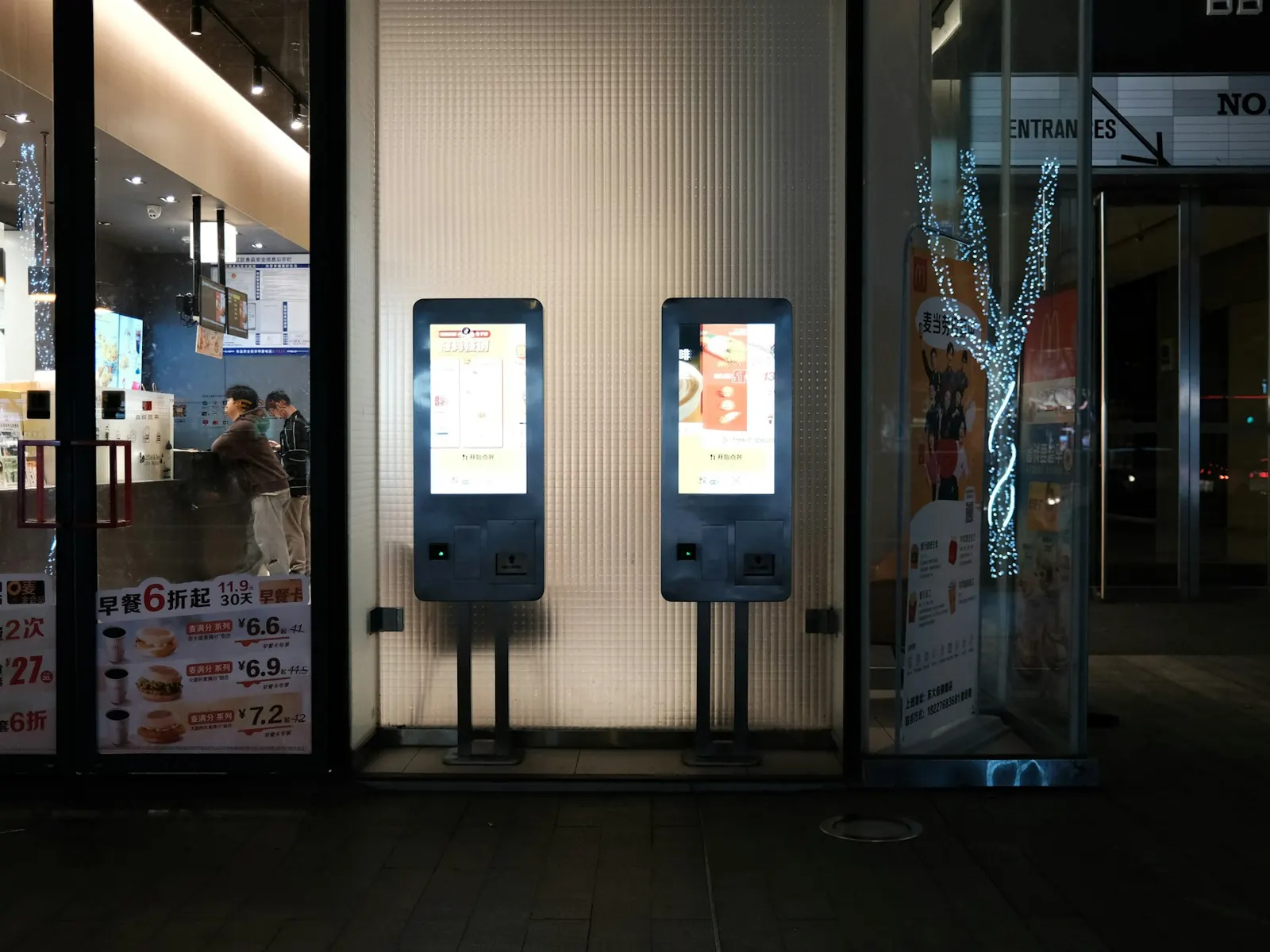
Two freestanding interactive touchscreen kiosks lit up at a modern restaurant entrance
Illustrative photo · Unsplash
2016Factory established in Ajman
500+Clients across the UAE
In-houseDesign, fabrication and installation
24 hTypical quote turnaround
Prepared by Bayan Signage production & estimating teamFactory: Alam Square, Industrial Area 2, AjmanUpdated
Interactive Touchscreen Kiosks in the UAE

Touch screen kiosks that people actually use

A touch screen kiosk combines a commercial display with a touch layer, a small industrial PC or Android board and an enclosure that protects them and presents them at the right height. Screens run from 21.5 to 32 inches for ordering and check-in, up to 43 to 55 inches for maps and directories. Malls, hospitals, clinics, government service centres, corporate lobbies, restaurants and showrooms use them wherever the same question or queue repeats all day.

A kiosk is judged in the first ten seconds. If the language button is out of reach, the screen faces a window and glares, the touch lags or misreads, or the unit wobbles, people walk away and do not come back. We design the enclosure around reach ranges and approach space, specify projected capacitive touch behind a thick anti-glare cover glass supplied by the screen manufacturer, keep screens out of direct sun, and fix every unit to the floor or wall so it cannot tip or be dragged.

Bayan Signage is the production arm of Bayan Advertising, a UAE group with 15 years in the market, and has made signage at its own factory in Alam Square, Industrial Area 2, Ajman, since 2016. Our laser cutters, welders and powder-coating line produce the kiosk enclosures, our designers brand them, our electricians fit and test the electronics, and our installers bring power and data to the exact spot. More than 500 clients across the UAE work with us.

Trusted by 500+ UAE businesses, including

Al-Futtaim logoAl Ghurair logoMultiply Group logoAriston Group logoCARS24 logoDouble A logo
Our process

How we make a touch screen kiosk in our Ajman factory

  1. Site and task review

    We visit the location, check light, traffic flow, exit routes, floor build-up and where power and data can reach, and agree what users must do on the kiosk and in how many steps.

  2. Enclosure design

    Our designers draw the enclosure around the screen, reach ranges and peripherals, with your brand panels, and our draftsmen produce the drawings for the landlord or fit-out approval.

  3. Laser cutting, welding and powder coating

    Steel or aluminium panels are laser-cut, folded and welded, then powder-coated to your RAL colour, with lockable service doors, filtered ventilation and cable management.

  4. Electronics integration

    Electricians fit the display, touch glass, computer and peripherals, then the unit runs your application in kiosk mode on our bench to test touch, printing and scanning.

  5. Installation and fixing

    Our crew fixes the kiosk to the floor or wall, connects power and data that were brought to the spot in advance, and checks the screen for glare from the user's position.

  6. Handover and support

    We hand over keys, cleaning guidance and a service contact, and test both language versions on the installed unit at its real height before opening.

Specification

Touch screen kiosk specification

This is our standard build for an indoor public kiosk. Outdoor, healthcare and payment kiosks move into the upgrade column, and every option appears on the quote.

ComponentOur standardUpgrade optionsWhy it matters
TouchProjected capacitive, multi-touchInfrared frame on very large screensPCAP works through glass and is smooth, accurate and easy to disinfect.
Glass4 to 6 mm manufacturer cover glass, anti-glareAnti-fingerprint or antimicrobial coatingThe glass takes hundreds of touches a day and the occasional knock.
DisplayCommercial LCD, about 400 to 700 nitsHigh-brightness panel for outdoor or atrium sitesCommercial panels are built for long daily hours of fixed content.
ComputerIndustrial PC or Android boardHigher processing power, remote managementReliable hardware and remote control keep the kiosk running without site visits.
Enclosure1.5 to 2 mm powder-coated steelStainless finishes, illuminated brand panels, outdoor sealingA rigid, ventilated, lockable enclosure protects the electronics and the user.
PeripheralsNone as standardReceipt printer, QR scanner, card terminal, cameraEach device adds a task the kiosk can complete, and a part to service.
Our work

Inside our Ajman factory

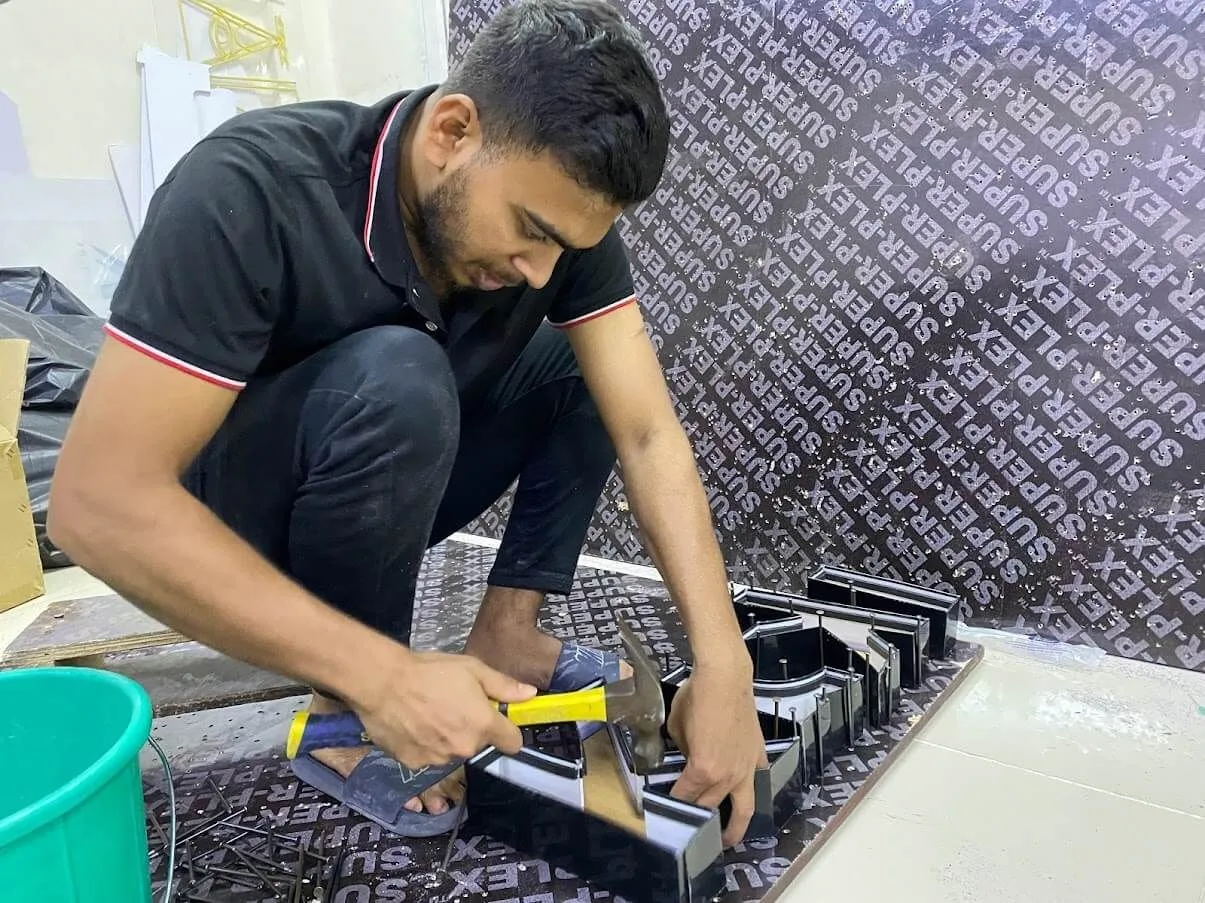
Bayan Signage technician assembling a sign in the Ajman workshop
Assembly in our Ajman workshop
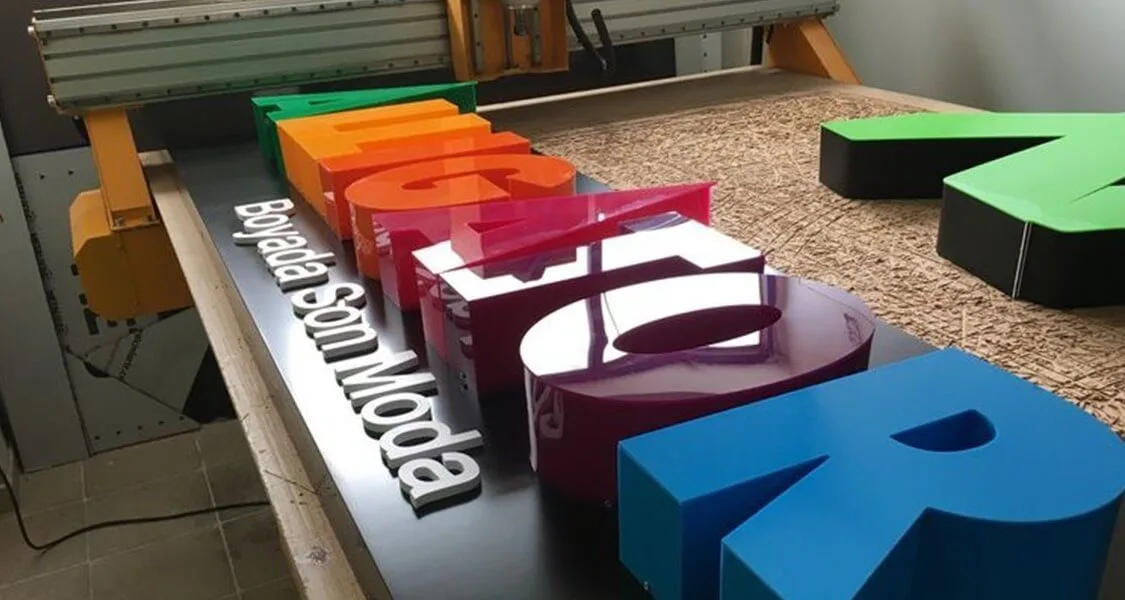
CNC-cut acrylic sign parts on the router bed at the Bayan Signage factory
CNC-cut acrylic parts on the router bed
Stainless steel sign components on the fabrication bench in Ajman
Stainless steel work on the fabrication bench
Expert advice

Advice from our kiosk designers

A kiosk only pays off if people use it. These are the rules we apply to every enclosure and screen layout.

Put every button within reach

Keep the interactive parts of a kiosk within roughly 400 to 1,200 mm above the floor, so they can be used from a wheelchair as well as standing. On a 55-inch portrait totem, that means search, map and language buttons in the lower two-thirds of the screen, while the top carries the brand or a welcome message nobody needs to touch. We check the layout with your software provider before the enclosure is drawn.

Leave space to approach and queue

Allow clear floor space of about 1.5 x 1.5 m in front of the kiosk, so a wheelchair user can approach and turn, and keep any queue out of corridors and exit routes. A kiosk squeezed beside a pillar or a doorway gets bumped, blocked and ignored.

Never face the screen towards a window

Sunlight from windows, skylights and glass shopfronts causes glare and can upset touch on some technologies. Turn the kiosk so the user's back is to the light, or move it. If an atrium position is unavoidable, specify a high-brightness panel and anti-glare glass.

Bring power and data before the kiosk

Floor boxes and data points need to be at the exact spot before the unit arrives, which usually means coordinating with the fit-out contractor weeks ahead. A kiosk fed from a trailing cable is a trip hazard and a support call waiting to happen.

Plan the interface in two languages

Arabic and English interfaces need right-to-left layouts, proper Arabic fonts and a clear language switch on the very first screen. We test both languages on the actual hardware, at the actual height, because buttons that fit in English often wrap or shrink in Arabic.

Pricing

Touch screen kiosk price in Dubai: what affects the cost

We quote each kiosk from its enclosure drawing, screen and peripherals. Send us the location, the task, the quantity and your software plans, and you will usually receive an itemised quote within 24 hours.

Screen size and touch type

Larger screens and PCAP touch cost more than small screens or infrared frames, but PCAP is more reliable and easier to keep clean.

Enclosure design

Standard shapes are economical; custom forms, brand colours, stainless finishes, illuminated panels and outdoor cabinets add design and fabrication.

Peripherals

Printers, scanners, payment terminals, cameras and ID readers each add hardware, integration and testing, and each needs servicing.

Software

An existing wayfinding or ordering platform is quicker to deploy than a custom application with POS or booking integration.

Quantity

A roll-out of identical kiosks shares one design and set-up, lowering the cost carried by each unit.

Installation and support

Floor fixing, power and data runs, network set-up and an ongoing support contract affect the total as much as the hardware.

Approvals

Touch screen kiosk accessibility and landlord rules

The Dubai Universal Design Code, and similar guidance in other emirates, sets expectations for reach ranges, approach space and usability that apply to public kiosks in many buildings. We design kiosk heights, screen layouts and clear floor space with these in mind and confirm the current requirement for your site.

Malls, hospitals and managed buildings usually approve kiosks through their fit-out process, checking position, fixing, power and that exit routes and fire equipment stay clear. Payment kiosks may also need checks by your bank or payment provider. Our draftsmen prepare the drawings these approvals ask for, and requirements vary, so we confirm them for your building.

Why Bayan Signage

Why organisations choose Bayan Signage for touch screen kiosks

Enclosures made in-house

Laser cutting, folding, welding and powder coating happen in our Ajman factory, so the enclosure fits the screen and your brand exactly.

Designed for every user

Reach ranges, approach space and bilingual interfaces are planned from the first drawing, not fixed after complaints.

Bench-tested before delivery

Every kiosk runs its application, touch, printing and scanning on our bench before it is installed.

Signage and kiosks together

We also make the directories, wayfinding and reception signs around the kiosk, so the whole system looks and reads as one.

Fixed securely on site

Our installers anchor every unit to the floor or wall and coordinate power and data with your fit-out contractor.

One project manager

A single contact handles design, approvals, fabrication, installation and handover, with an itemised quote at the start.

FAQ

Interactive Touchscreen Kiosks questions we are asked most

How much does a touch screen kiosk cost in Dubai?

It depends on the screen size and touch technology, the enclosure design, the peripherals such as printers or card terminals, the software and the quantity. A countertop visitor kiosk costs far less than a 55-inch branded wayfinding totem with a scanner and printer. Send us the task, location and quantity for an itemised quote, usually within 24 hours.

Do you make the touch screens?

No. Displays, touch sensors, computers and peripherals are products of established manufacturers. We design and fabricate the enclosure in our Ajman factory, integrate and test the electronics, and install the finished kiosk.

Do you provide the kiosk software?

We work with your chosen software or platform provider, such as a wayfinding, ordering or visitor management system, and set the kiosk up to run it in locked kiosk mode. We test the application on the real hardware, in both languages, before installation.

What height should a kiosk be?

Keep the parts people touch within roughly 400 to 1,200 mm above the floor, so the kiosk works from a wheelchair as well as standing. On tall totems, the top of the screen carries branding or information that does not need touching. We confirm current accessibility guidance for your building.

Touch screen kiosk or a printed directory?

In a small building with few visitors, a clear printed directory or you-are-here map is cheaper and never crashes. A kiosk earns its cost where visitors search among many destinations, need to check in, order or register, or where the information changes often.

How do you keep kiosks hygienic?

Projected capacitive touch behind smooth glass is easy to disinfect, and antimicrobial coatings are available. We supply cleaning guidance at handover, and in clinics we choose finishes that stand up to frequent wiping with disinfectant.

Can a kiosk be used outdoors?

Yes, with an outdoor build: a sealed, cooled enclosure, a high-brightness screen and glass rated for sun and impact. Outdoor kiosks also need careful siting away from direct afternoon sun on the screen face.

Do you install kiosks across the UAE?

Yes. Our crews install in all seven emirates from our Ajman factory, and the site visit is free in Dubai, Sharjah and Ajman. For roll-outs across several sites we install to one programme and one standard.

Free quote

Get a quote for interactive touchscreen kiosks

Send your logo, the fascia size and a site photo. Our estimating team replies with options and an itemised price, usually within 24 hours.

  • Call or WhatsApp +971 56 637 2656
  • Workshop: Alam Square, Industrial Area 2, Ajman
  • Sunday to Thursday, 08:00 to 18:00